What Blurt Diary is
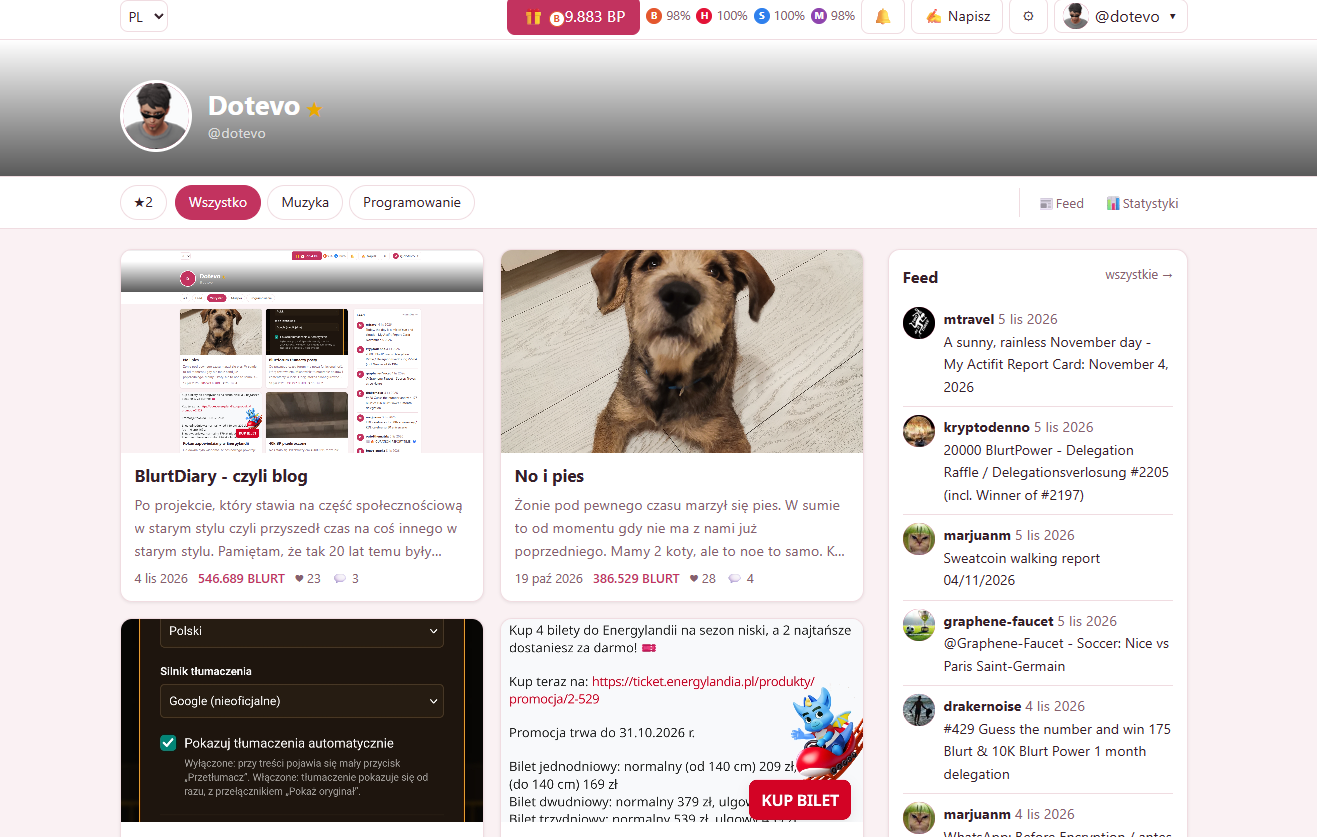
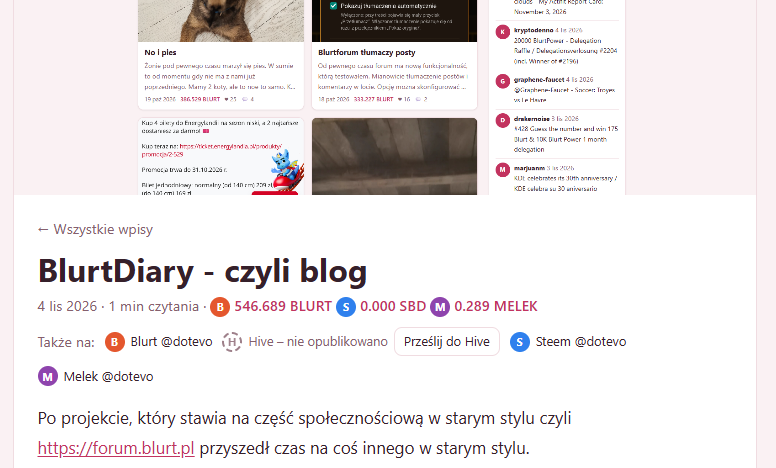
Blurt Diary turns any Blurt account into a personal blog you can read, write and customise from the browser, with no server, no database and no account on anyone's side. Open the page with ?user=yourname and the posts, comments and settings of that account appear as a blog. The same page lets you log in, publish, vote, claim rewards and follow other bloggers.
It also keeps your writing on more than one chain: posts and comments can be mirrored to Hive and Steem, with Melek next to them. This is an early test release and I would like people to try it and break it.
https://dotevo.github.io/blurtdiary/?user=dotevo
So it's totally different type of project than https://forum.blurt.pl
Why it exists
Old-school blogs had a clear shape. A page that was yours, posts in a list, categories, an archive by month, a post pinned at the top, a list of blogs you recommend. Blurt already stores your posts, comments and votes on-chain. What was missing was a front end that feels like that kind of personal page instead of a social feed.
There is nothing to host except static files. Even the blog's settings are an ordinary post (@yourname/blurt-diary-config), so a blog is fully described by the chain and can be opened from any copy of the app.
Reading and navigating
Every account is a blog, and moving between blogs is easy.
• Categories are groups of tags you define. Opening one asks the node only for posts with those tags, so the whole history is never downloaded.
• Pinned post stays first on the main list, and recommended blogs (a blogroll) link to other Blurt blogs.
• Feed shows the latest posts of the people you follow, in the sidebar and as a full page. A Follow button writes a real follow to the chain, while the star is a local bookmark.
• Comments are threaded, can be voted on, and highlight when you arrive from a notification.
One blog, several chains
Blurt is always the primary chain: post lists, categories and notifications come from Blurt only. The other chains are mirrors that hold the same posts and comments under the same permlink, so the app merges them by permlink.
| Chain | Role | Login |
|---|---|---|
| Blurt | Primary | Posting key or WhaleVault |
| Hive | Mirror | Posting key or WhaleVault |
| Steem | Mirror | Posting key or WhaleVault |
| Melek | Mirror, experimental | Posting key only for now |
- You log in to Blurt first, then add the other chains on top. Account names can differ per chain and are stored in the blog settings.
- Publishing sends the post to Blurt and to every other chain you are logged in to.
- Opening a post checks which chains have it. A node that is unreachable is shown as an error, never as "missing". Only a verified absence offers a Send to Hive (or Steem) button.
- Comments and replies go to every logged-in chain where the parent exists, and an own comment can be sent later.
Adding another chain is one adapter file plus one registry entry the interface, the statistics and the mirroring pick it up automatically.
Make it yours
The blog owner opens Settings and sees a live preview of every change. Palettes and your own accent and background colours (light and dark), the font, a grid or list layout and the sidebar position (left, right or none) are all available, together with the order of the sidebar panels: about, pending payouts, recent comments, categories, archive, recommended blogs, and custom panels written in Markdown.
Everything is saved as a human-readable post on your account.
Test NR2
Posted with Blurt Diary · @pestis's blog
Test
Czy komentarz pojawi się na 4 BC
Posted with Blurt Diary · @pestis's blog
Widzę na 3. Spróbuj odświeżyć i powinna pojawić się opcja dosłania go do melek.
Posted with Blurt Diary · @dotevo's blog